
All free toolsFree tool · Conditional Access
Do your Conditional Access policies really cover everyone?
Get a posture score for your Conditional Access setup, a list of missing controls, and the gaps that matter most, in one report.
- Conditional Access Policy Analyzer
- Output: HTML report
- Free, no trial or account needed
Check your inbox
The link is on its way
We sent the download link to . It works for 7 days. Can’t find it? Check your junk folder.
While you wait: see Griffin31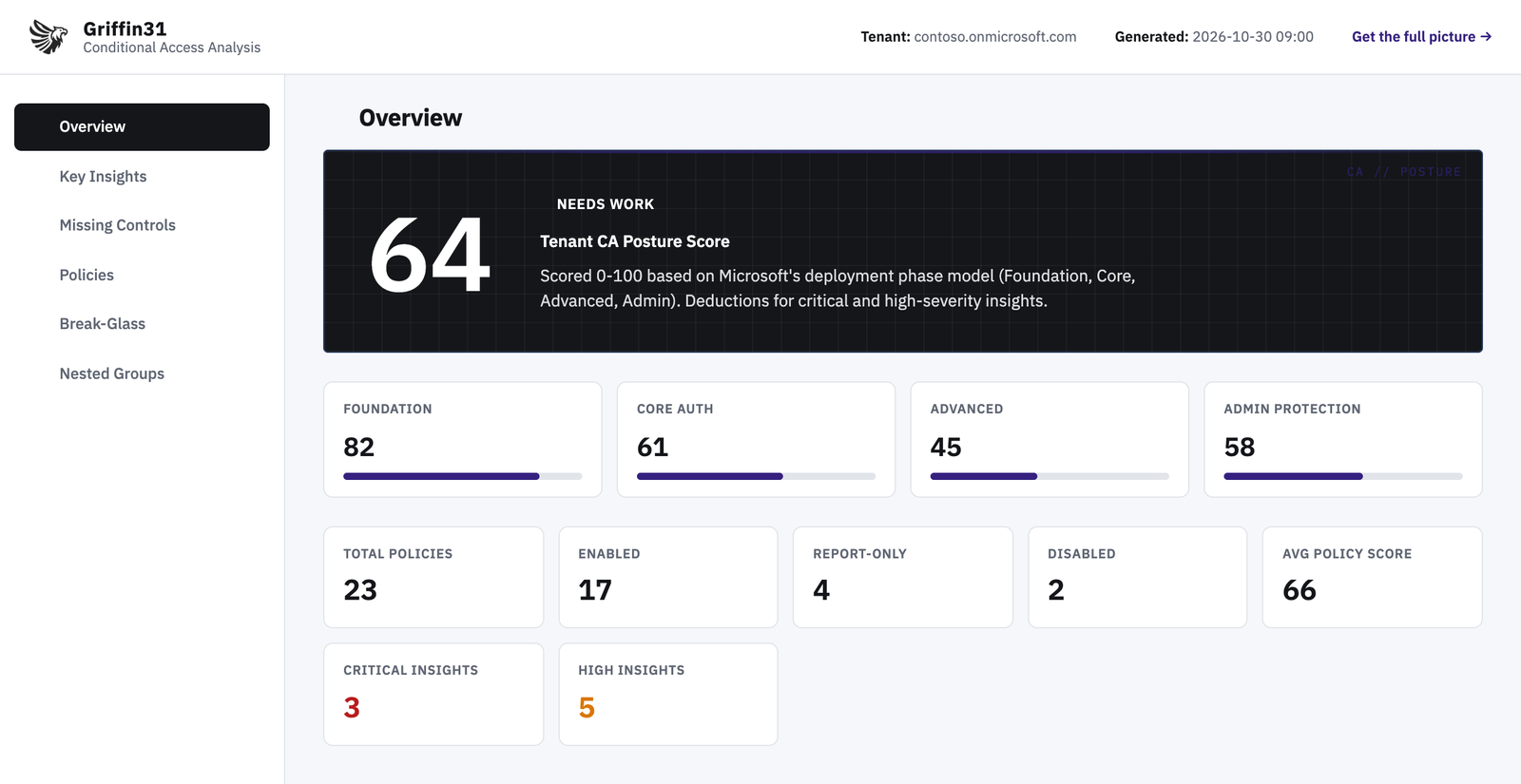
Example report with sample data.
What it finds
- A tenant posture score from 0 to 100, based on Microsoft’s deployment phases
- 15 priority-sorted insights: lockout risk, break-glass accounts, legacy authentication, weak MFA, admin protection, guest coverage
- 23 modern controls checked against your tenant, each tagged with the licence it needs (P1, P2, Purview, Workload ID)
- A score for every policy, with the reasons behind each deduction
- Direct links to each policy in the Entra admin center
Why it matters
Conditional Access is the front door to Microsoft 365. Most admins can’t tell at a glance whether policies cover every user, whether exclusions are safe, or which modern controls are missing.
How it works
- 01Get the toolLeave your details and we email you the download link. Review the script before you run it.
- 02Run itOpen PowerShell 7 and run CA-Manager.ps1. Sign in with an admin account when asked.
- 03Open the reportA single HTML file with the score, insights, missing controls and every policy. Open it in any browser.
- 04Fix what mattersStart with the highest-risk items. Need help? Book a call with our team.
Requirements
- PowerShell 7 (Windows or macOS)
- Microsoft Graph PowerShell module (installs automatically)
- Read permissions: Policy.Read.All, Directory.Read.All, Group.Read.All, Application.Read.All
What it can touch
Read-only. It reads your policies and directory and changes nothing.
Griffin31
This tool checks one area. Griffin31 checks your whole tenant.
More than 370 Microsoft 365 security settings, the evidence behind every result, what to fix first, and an email when a setting slips back.